
Know your capacity
Open spots, vehicle counts, and equipment assignments stay visible.
Car-hauler operations, connected
Plan capacity, import loads, assign drivers and equipment, collect documents, track payments, and close settlements in one car-hauler-first platform.
See how it worksBuilt for dispatchers, drivers, fleet owners, accounting teams, and growing car-hauler operations.
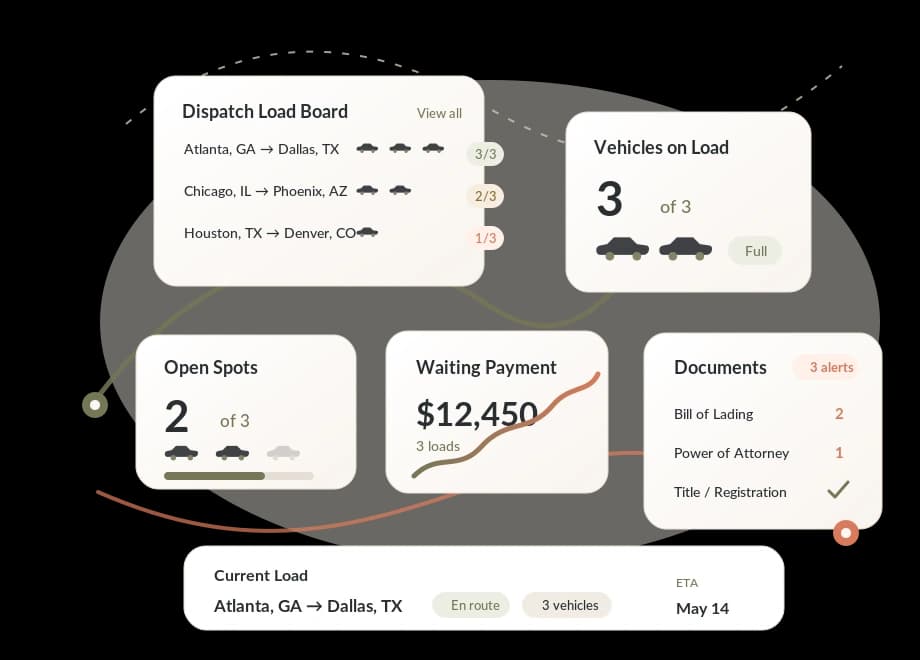
Open spots, vehicle counts, and equipment assignments stay visible.
Move load details through dispatch, documents, payments, and history.
See what needs an invoice, payment follow-up, or settlement review.
Bring documents, expirations, and readiness context into daily work.
One connected workflow
TruckTA connects the operational handoffs that are usually spread across boards, inboxes, folders, texts, and spreadsheets.
Create it directly or use a reviewed import workflow.
Match vehicles, open spots, drivers, trucks, and trailers.
Track pickup, delivery, assignments, and operating documents.
Follow invoice and payment status without losing the load context.
Review delivered activity and settlement-ready information.
The platform
Keep the work connected without giving every person access to everything. Each team gets a focused view backed by the same operational record.
Control the movement
Give dispatchers a car-hauler-first view of active loads, route stops, vehicle capacity, assignments, and documents.
See the money
Keep operational and financial context connected from delivery through payment follow-up and settlement review.
Reduce surprises
Organize the records your operation needs and surface upcoming expiration or readiness work before it gets buried.
Keep access focused
Give each role the information it needs while keeping company and owner-fleet visibility scoped.
Built for the daily operation
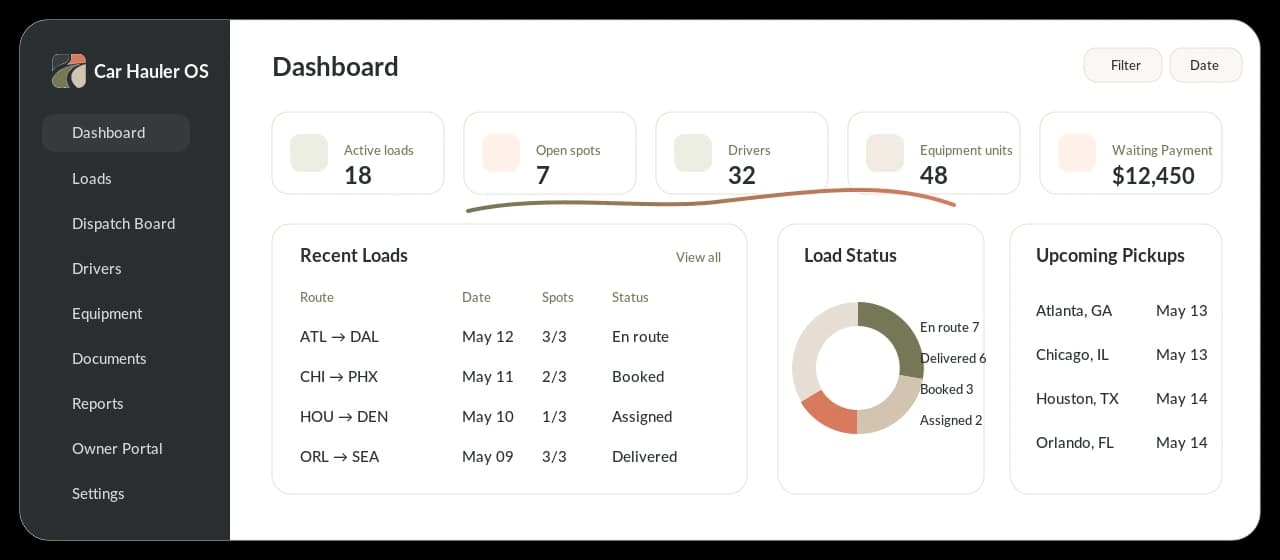
From upcoming pickups and open capacity to payment follow-up and document readiness, TruckTA turns scattered activity into a working operations view.
Reviewed imports
Use supported files, connected sources, and load boards to reduce re-entry. Your team reviews the details and confirms whether TruckTA should create or update a load.
User-initiated and user-reviewed
Supported load-board workflows do not run background scraping or automatically book loads.
Map and review structured load data before it enters your operation.
Extract supported load details, verify them, and keep the original context.
Bring supported records into TruckTA through a controlled import workflow.
Review details from supported load boards, check duplicates, and import or update only after confirmation.
Every role, one operation
TruckTA connects the people behind each movement while keeping access aligned to company roles and owner-fleet boundaries.
Plan capacity, assign resources, and keep every load moving.
See workload, readiness, documents, and exceptions across the company.
Follow assigned activity, equipment, documents, and financial context.
Use managed access for assigned work and company-controlled workflows.
Connect delivered work to invoice, payment, and settlement follow-up.
Build repeatable operating processes without stitching together more tools.
Operational records stay inside the company and role boundaries configured for them.
Reviewed import workflows show users what will be created or updated.
Load, document, payment, and settlement context stays connected.
Launch pricing
Set up your team, move real work through the platform, and see how TruckTA fits before your first payment.
Questions, answered
Clear expectations about workflow, imports, access, readiness, and pricing.
TruckTA is designed around vehicle movement: vehicle counts, open spots, truck and trailer assignments, driver readiness, load documents, owner fleets, payments, and settlement context.
TruckTA supports reviewed import workflows for selected file formats, connected sources, and supported load boards. Availability varies by source, and your team confirms the data before an import or update.
No. Supported load-board imports are user-initiated and user-reviewed. TruckTA does not run background scraping or automatically book loads.
TruckTA can organize company, driver, equipment, load, BOL, POD, insurance, registration, and other readiness-related documents, with expiration visibility where configured.
Yes. Owner-fleet tools can provide scoped access to the activity, documents, resources, and financial context already made available to that owner.
No. TruckTA helps organize records and surface operational readiness information. It does not provide legal advice, guarantee compliance, or automatically file with regulators.
TruckTA is free for the first two months. After that, the Starter plan is as low as $5 per user per month and includes the platform for the first year.
Ready when your next load is